
Enterprise Computing · ICT Infrastructure

Enterprise computing sized to your workloads, secured at the design stage, and handed over with complete documentation

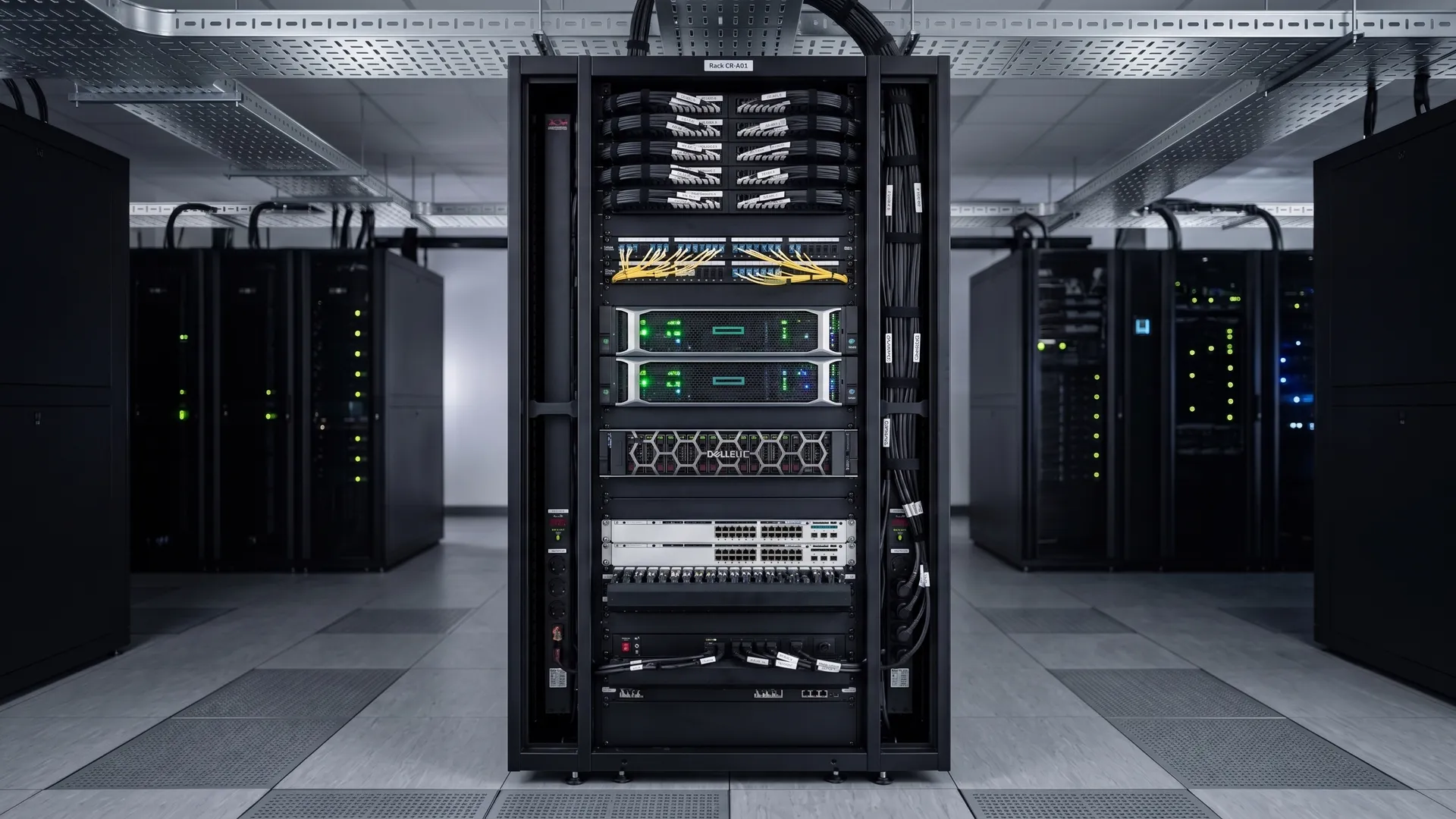
Enterprise computing platform with rack-mounted servers and storage in a commissioned data room

Servers, storage, virtualisation, and endpoint provisioning, sized to your workloads and delivered as one scope.

Your compute layer carries your applications, your data, and your users every hour of every working day. Enterprise computing services cover the full scope: servers and storage sized to your workload, virtualisation to get the most from your hardware, security hardening applied at build time, and endpoint provisioning that gets your people running without a queue. Every component is integrated with your network and security layers and handed over with the documentation your team needs to operate it from day one.

CIS Benchmark hardeningISO/IEC 27001 controlsDocumented at handover
ICT infrastructure services overview
A certified systems engineer replies within one business day, not a sales rep.
What it is

What enterprise computing services include

Enterprise computing is the layer that processes and stores your data: the servers, storage arrays, hypervisors, and endpoint devices that your applications run on and your people work from. A complete scope covers the design, the hardware selection and sizing, the configuration and virtualisation, the security hardening, and the endpoint provisioning process, from the first workload assessment through to a documented handover that includes your build runbooks, patch schedules, and as-built diagrams.
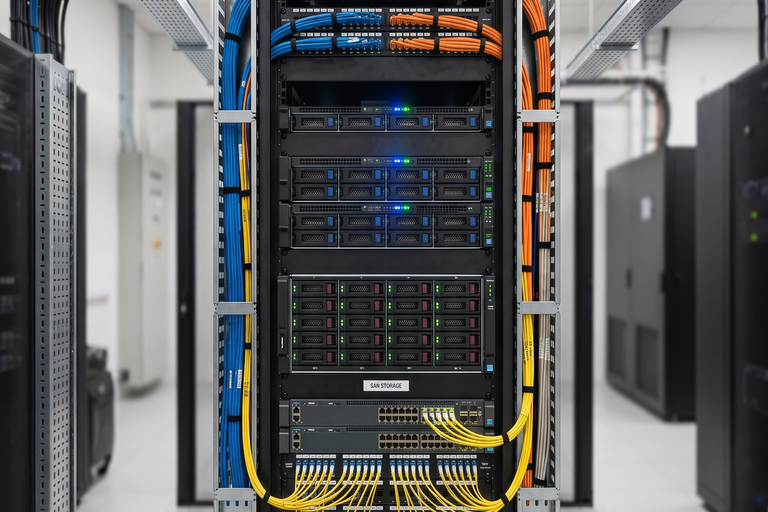
Rack-mounted servers and SAN storage in an enterprise computing platform

Servers and storage

Physical and virtualised servers sized to your workloads, with storage arrays and NAS configured for capacity and performance.

Virtualisation

Hypervisor deployment and VM configuration to maximise hardware utilisation and simplify workload management.

Patch and lifecycle management

Operating systems and firmware kept current on a defined patch cadence, with hardware tracked on a planned refresh cycle before it reaches end of support.

Endpoint provisioning

Laptops, desktops, and workstations imaged, secured, and enrolled in management before they reach the user.

Security and hardening

Servers and endpoints hardened at build time: patching, access controls, and endpoint protection configured before go-live.

Monitoring and alerting

Infrastructure monitoring configured so your team sees a problem before the users do.

Workload sizing, patch cadence, and hardware refresh targets are agreed and documented before any hardware is ordered. Nothing is procured until the design is confirmed.

Risks

What goes wrong with enterprise computing infrastructure

Four failures that show up after the servers are live. Each one is a design or configuration decision, not bad luck, and each is preventable before a single workload goes into production.

Risk 01

Undersized hardware that cannot carry workload growth

Servers and storage sized to current demand run out of headroom faster than expected. An application that grows, a database that expands, or a new workload added mid-year can push hardware beyond its design limits, causing slowdowns and unplanned purchases at the worst possible time.

2 years
how quickly undersized enterprise hardware can become a bottleneck when workloads grow faster than planned.
Prevention

Size hardware to a growth model, not current peak. A workload assessment at design stage identifies headroom requirements and prevents a constrained build that needs replacing within two years.

Specification

Technical specification

Your compute infrastructure is designed to vendor best practices and industry standards, not to default configurations. Server hardware is sized from a workload assessment; virtualisation follows hypervisor vendor guidelines; operating systems and firmware are patched and hardened to a CIS Benchmark baseline before production go-live. Every component is integrated with your network and security layers before handover.
Server hardware
Rack and tower servers, blade chassis, hyper-converged infrastructure (HCI) sized to workload CPU, memory, and I/O requirements
Storage
SAN, NAS, and direct-attached storage; tiered storage for performance and capacity; SSD and hybrid configurations
Virtualisation
VMware vSphere, Microsoft Hyper-V, or Proxmox; VM sizing and placement; high-availability clustering where uptime requires it
Patch and lifecycle
Operating system and firmware patch cadence, vendor support and warranty tracking, and a planned hardware refresh cycle before end of support.
Endpoint provisioning
Windows and macOS imaging, MDM enrolment (Intune, Jamf), policy baseline, endpoint protection deployed before user handover
Security and hardening
CIS Benchmark baseline, patch management, role-based access, endpoint detection and response (EDR), privileged access controls
Monitoring
Infrastructure monitoring for CPU, memory, storage, and service health; alert thresholds set before go-live.
Network integration
Servers on dedicated management VLANs, storage on isolated iSCSI or NFS segments, integrated with the site switching and firewall design
Handover documentation
Build runbooks, VM and storage inventory, patch and firmware baselines, as-built diagrams, warranty records.
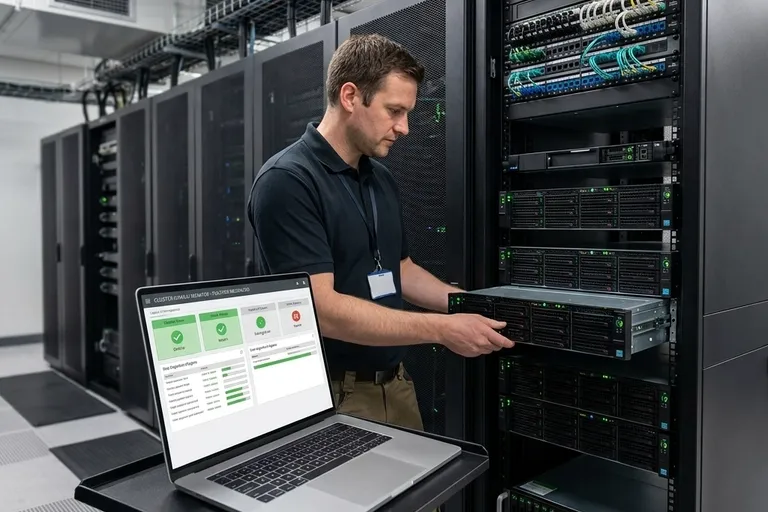
Engineer validating server and virtualisation performance before handover
Build runbooks, VM inventory, patch baselines, and as-built diagrams are included as standard in editable formats your team owns.
Cost factors

What affects the cost of an enterprise computing project

The cost of a computing project moves with the number and type of servers, your storage capacity and performance requirement, virtualisation density, the support and refresh cycle you need, the number of endpoints, and how much existing hardware can be reused. We publish the drivers, not a price, because a real figure comes from your workload assessment.

Rows of enterprise rack servers sized to workload in a data room
Server count and workload size

More workloads, higher CPU and memory requirements, and HA clustering all increase hardware cost.

Storage capacity and performance tier

All-flash arrays cost more than hybrid; raw capacity requirements directly set the storage budget.

Virtualisation licensing

Hypervisor licence model, tier, and per-CPU or per-core pricing vary significantly by vendor and workload count.

Support and lifecycle coverage

Extended vendor support, longer warranty terms, and shorter hardware refresh cycles raise the total cost of ownership.

Endpoint count

More endpoints mean more device cost, more imaging time, and more MDM licences.

Existing vs new hardware

Reusing serviceable servers and storage reduces cost; a full refresh or an HCI migration raises it.

Standard exclusions(not included in a cabling quote)
Software application licences (ERP, CRM, productivity suites)
Cloud IaaS or SaaS subscription fees
ISP and WAN circuit costs
Structured cabling civil works (containment, builder's work)
UPS and power infrastructure (covered under building services)
Annual maintenance contract (AMC)
Process

How an enterprise computing project is delivered

Every project runs in five phases. No phase starts until the previous one is complete and documented.

01

Workload assessment and design

Your project starts with a workload assessment: current and projected CPU, memory, storage, and IOPS requirements, plus your uptime and growth targets. From that comes a hardware sizing model, a virtualisation design, a security baseline, and a confirmed equipment list.

No hardware is ordered until the sizing model and security baseline are approved.
02

Procurement and pre-configuration

Hardware is ordered and, where possible, racked, cabled, and pre-configured off-site. Server BIOS settings, RAID arrays, and base OS builds are applied and reviewed before delivery to your site.

Build baseline is reviewed and approved before hardware reaches the site.
03

Installation and configuration

Hardware is installed, racked, and cabled. Hypervisor and VM workloads are deployed. Operating systems are patched and hardened to the baseline. Endpoints are imaged and enrolled.

No workload goes into production until monitoring and the security baseline are confirmed in place.
04

Testing and validation

Server and storage performance is validated against the sizing model. The security baseline is checked on every host. Endpoint builds are tested against the policy baseline. Monitoring alerts are verified end to end.

Performance and the security baseline are proven before any production workload is committed to the new infrastructure.
05

Cutover, handover and documentation

Workloads are migrated in a planned window. Handover is not signed until build runbooks, VM and storage inventory, patch baselines, and as-built diagrams are produced and your team is walked through them.

Not signed off until every document is accepted and your team is trained.
Key comparison

On-premise servers, hyper-converged infrastructure, or cloud IaaS: which model fits your workloads?

Your compute model determines your upfront capital, your operational complexity, and your flexibility to scale.

Compare options
Select a category
Upfront capital cost
Higher separate server, storage, and networking
Moderate single vendor, single support contract
Lowest no upfront hardware
Ongoing run cost
Hardware refresh and AMC
Monthly consumption-based billing that grows with workloads
Scalability
Scale storage and compute separately
Scale by adding nodes compute and storage together
Near-instant, limited only by budget
Management complexity
Separate tools per component
Single management plane for all resources
Managed by provider; your team manages workloads
Data sovereignty and latency
Full control, on your network
Data leaves your premises; latency depends on region
Best for
Large workloads needing maximum storage flexibility
Most enterprise deployments, simpler to run, single support
Variable or burst workloads, or limited on-premise space and power

For most enterprise deployments, hyper-converged infrastructure gives you a simpler management model, a single support contract, and lower operational overhead than separate servers and storage, at the cost of scaling compute and storage together. If your workloads are large and storage-heavy, traditional architecture gives you more flexibility in how you scale each layer independently. Cloud IaaS works best for variable or burst workloads, or where on-premise space and power are constrained.

Cross-service

What your compute infrastructure depends on

Your servers and endpoints depend on the network and cabling below them, and on the security layer around them. These connections belong in the design from the start.

Network infrastructure

Servers sit on dedicated management VLANs and storage on isolated network segments. The compute and network designs are done together to avoid bottlenecks and exposure.

View network infrastructure

Structured cabling

Every server, storage array, and endpoint runs on your structured cabling. Rack cabling, patch panels, and containment are part of the same scope as the compute hardware.

View structured cabling

Security and access control

Servers and endpoints are hardened at build time and enrolled in your access control policy. Security is a layer in the compute design, not an afterthought.

View ELV systems

Communication infrastructure

Unified messaging, voicemail servers, and video conferencing infrastructure run on your compute layer. The communication and computing designs are coordinated from the start.

View communication infrastructure
Relevant industriesHealthcareBanking and financeEducationData centresManufacturing
FAQs

Frequently asked questions

The questions IT managers ask about enterprise computing before going to tender.

It depends on your current hardware and your workload roadmap. We start with a workload assessment of what you have: CPU headroom, memory, storage capacity, and support status. Where hardware is in-support and sized correctly, we can upgrade in place or add to it. Where it is end-of-life, out of vendor support, or undersized for your plans, a replacement costs less over the next three to five years than extending it. You get an honest assessment before any spend.

By making patch and lifecycle management part of the scope, not an afterthought. Every server and endpoint is hardened to a CIS Benchmark baseline at build time, and you get a defined patch and firmware cadence with the schedule documented in the handover pack. Your team can run it, and we can support it under a maintenance agreement if you prefer. You are never left with a build that quietly drifts out of support.

Virtualisation runs multiple workloads on your own hardware; cloud runs them on infrastructure you rent from a provider. The right answer depends on your workloads, your data sovereignty requirements, your internet link quality, and your long-term cost model. For most organisations with stable, predictable workloads and on-premise infrastructure, a virtualised on-premise environment costs less over a five-year horizon. Cloud works better for variable or burst workloads, or where you have limited space and power on-site. We will tell you which fits your situation, not which one we prefer to sell.

By building an endpoint provisioning process before the first device goes out. New laptops and desktops are imaged to a tested baseline, enrolled in MDM, and have endpoint protection active before they leave the provisioning bench. A new starter gets a machine that is ready to work, not a device waiting for half a day of manual setup.

A complete record. Build runbooks for every server and storage component, a VM and storage inventory, patch and firmware baselines, as-built diagrams, and warranty records. Your team also gets a walkthrough. You should be able to expand, troubleshoot, and operate the environment without calling us back for the basics.

For a single-site server and storage refresh of moderate size, four to eight weeks from approved design to handover is typical. Projects that include virtualisation migration, endpoint provisioning at scale, or integration with existing systems run longer. The workload assessment and sizing phase is where your real timeline is set.

Honest fit

When we are not the right choice

We will tell you directly when your project is not the right fit.

Your tender is scored on lowest price alone

We will not remove workload testing, security hardening, or documentation to match a cheaper number. A proposal that leaves those out is a different scope, not a better deal.

You need a small number of servers managed by a capable in-house team

For two or three servers in a small office with a strong internal IT team, a local reseller will deliver it faster and for less than we will.

You want a full cloud migration with no on-premise footprint

We design and deliver on-premise and hybrid compute infrastructure. If a full lift-and-shift to cloud IaaS with no on-premise component is the goal, that is a different engagement.

You're a good fit if…

You are a good fit if your compute infrastructure spans multiple workloads, multiple sites, or both, where capacity has to be planned for real growth, where endpoint provisioning needs to scale without a queue, where security hardening is non-negotiable, and where a documented handover your team can run is the expected standard.

Book a computing assessment

A workload assessment to test computing proposals against before you tender

A computing assessment gives you a workload sizing model, a security and patch baseline, and an indicative budget range for your environment, so procurement compares proposals that cover the same work.

A certified systems engineer contacts you, not a sales representative
Response within one business day
An indicative workload sizing model and budget range in writing within five business days of the assessment
No obligation. If we are not the right fit, we will tell you directly

Tell us about your project

Response within one business day. No obligation.